> For the complete documentation index, see [llms.txt](https://help.wegic.ai/llms.txt). Markdown versions of documentation pages are available by appending `.md` to page URLs; this page is available as [Markdown](https://help.wegic.ai/features/download-code.md).
# Download Code
Code Download lets you download the full code of your Wegic website.
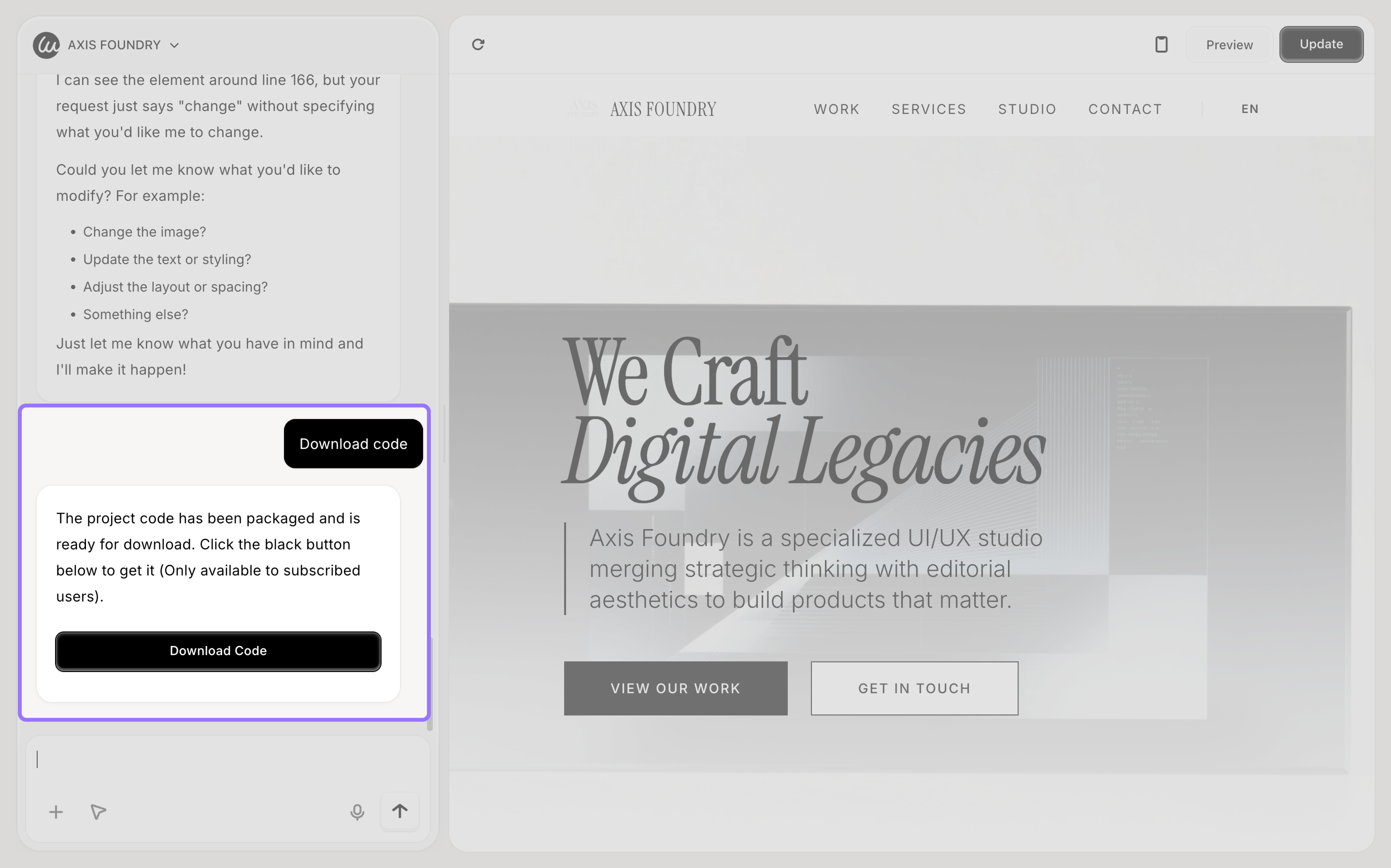
You can ask the AI to package your website code and download it to your device. This is useful if you want to host the site yourself or continue development outside Wegic.
### Who Can Use Code Download
Code Download is available **for monthly and yearly subscribed users only.**
The following users cannot use this feature:
* Free users
* 2.99 trial users
* Users with an expired subscription
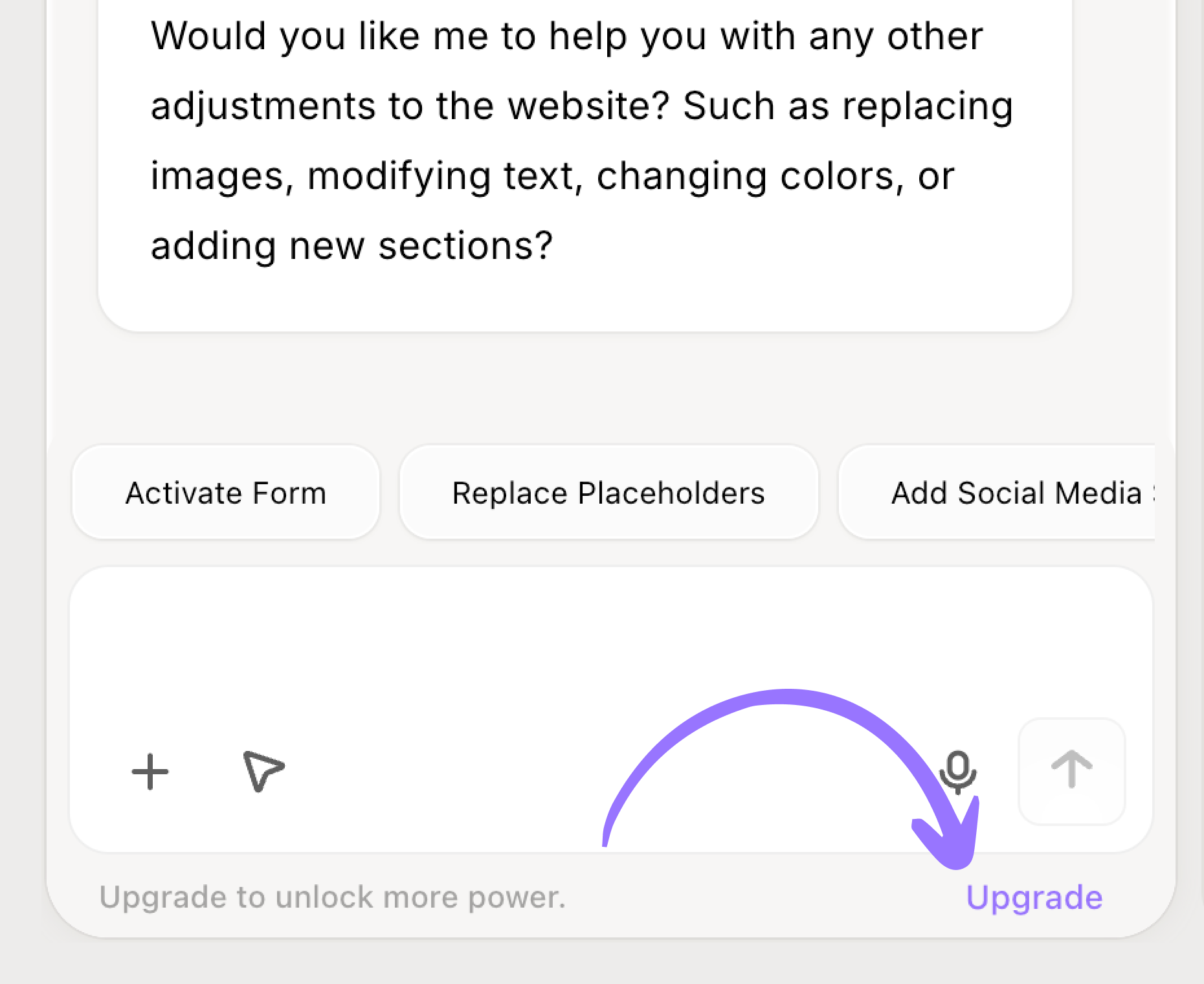
If you are not subscribed, you can upgrade to unlock this feature.
### How to Download Your Code
#### Step 1: Open the Editor
Go to the website editor where the chat box is available.
#### Step 2: Send a Download Command
In the chat box, send a message like:
* download code
* download website code
The AI will start packaging your website code.
Please wait while the AI prepares your code.
Once ready, you will be able to download the packaged files.
{% hint style="info" %}
### Tips
Code Download gives you more control and flexibility over your website.
1. Make sure your website is up to date before downloading
2. Downloading code does not affect your live website
3. You can edit or host the downloaded code anywhere you like
{% endhint %}
### Credits Usage
Downloading code will **use credits every time.**
Each time you request a download, the AI will check and package the **latest version of your website code.** Because of this, credits are charged for every download.
The number of credits depends on:
* The size of your website
* The structure and complexity of the code
Larger or more complex websites will use more credits.
### How to Subcribe
If you are not subscribed, you can:
* Visit [wegic.ai/pricing](https://wegic.ai/pricing) to view plans, or
* Click the \[Upgrade] button below the chat box for quick access
After upgrading, you can use Code Download right away.
### FAQ
Can I download the code more than once?
Yes. You can download your website code multiple times.
Each time you request a download, the AI will check and package the latest version of your website. Because of this, credits are used every time you download.